

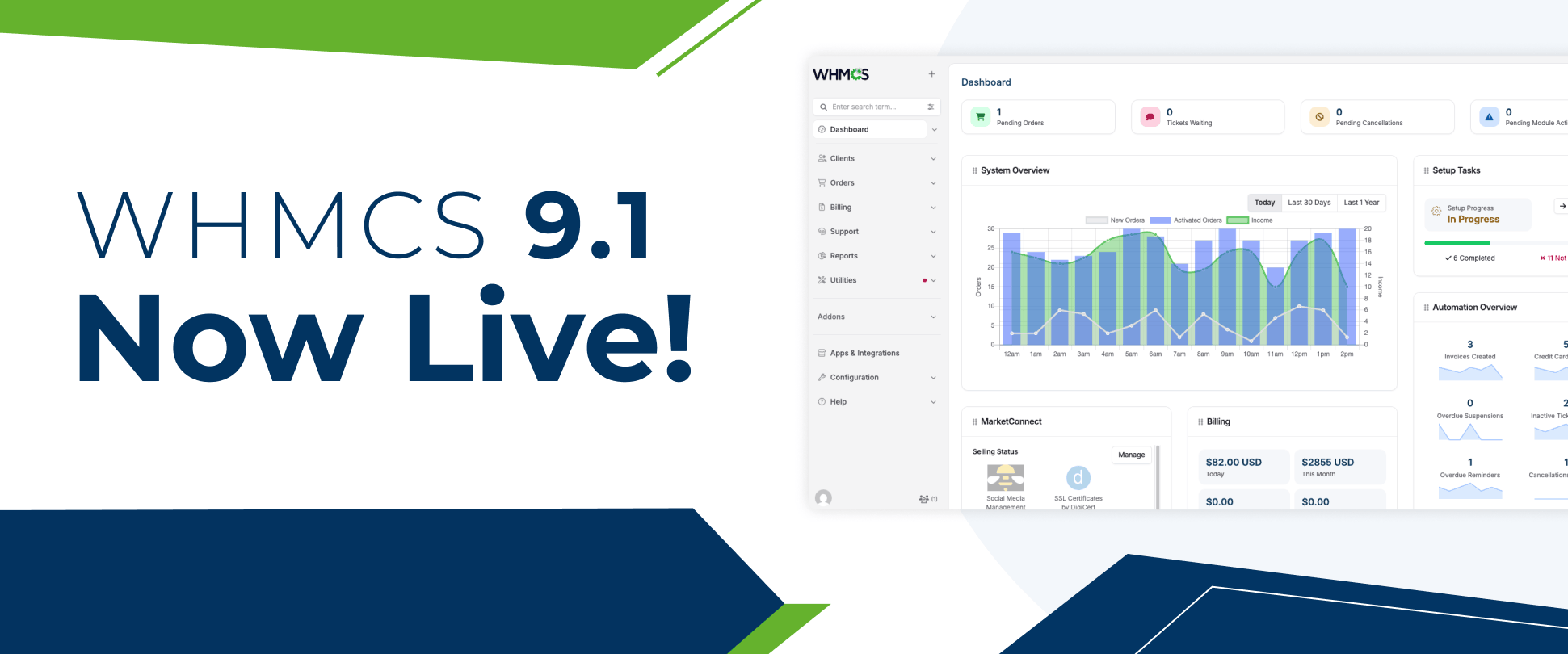
WHMCS v9.1.0 General Availability (GA) is officially here!
This major release introduces several big features, including native PHP 8.4 support, the new Iris Admin navigation preview, configurable Invoice Immutability, automated background maintenance updates, and complete end-to-end checkout capabilities in the REST API v2.
As a WHMCS developer, maintaining stable, secure, and reliable software for your operations is our top priority. We are pleased to announce that our development team has completed full compatibility testing and updated our entire suite of custom WHMCS modules for WHMCS v9.1.0.
Key Technical Changes in WHMCS v9.1.0
Before updating your production billing system, please review these essential system requirements:
-
ionCube Loader v15.0.0 Requirement: WHMCS 9.1 requires ionCube Loader 15.0.0 or higher. If your web server is running an older loader version, you must update the PHP loader before executing the WHMCS upgrade.
-
PHP Runtime Support: WHMCS 9.1 fully supports PHP 8.4 alongside PHP 8.2. Our latest module builds are encoded and optimized for these runtime environments.
-
Configurable Invoice Immutability: If you plan to enable strict invoice immutability or credit/debit notes under Configuration > System Settings > General Settings, rest assured our module billing hooks and invoice event handlers fully respect these lock rules.
Recommended Upgrade Sequence for System Administrators
To avoid downtime or encoding errors during your update process, we recommend following this step-by-step upgrade order:
-
Backup Your Environment: Perform a complete database and file system backup of your active WHMCS installation.
-
Upgrade Server Loaders: Update your server’s PHP configuration to ionCube Loader 15.0.0+.
-
Download Updated Modules: Log into your client area account with us, download the latest v9.1-compatible versions of your active modules, and upload the updated files to your server.
-
Execute WHMCS Upgrade: Upgrade WHMCS to v9.1.0 via Utilities > Update WHMCS or your preferred deployment pipeline.
-
Upgrade PHP Version (Optional): If desired, switch your server environment to PHP 8.4.
How to Get Your Updated Module Builds
All updated module packages are now available for immediate download in your Client Area account under My Services / Downloads. Release notes and changelogs for each specific addon are included in the package zips.
If you run custom integrations or encounter any unexpected behavior after upgrading, please open a ticket with our support desk so our engineering team can assist you right away.

Comments (0)
There are no comments yet!
Start the discussion about WHMCS v9.1.0 Is Live: Our Modules Are Updated & Ready.